Model Context Protocol (MCP) Server
Every diy-analytics instance ships a native Model Context Protocol server at /api/mcp.
It lets AI coding assistants — Claude Desktop, Cursor, Zed, and custom agents — query real-time traffic, conversion funnels, error stack traces, and visitor cohorts while you work.
Supported clients
Claude Desktop
Native stdio / HTTP server
Cursor IDE
SSE / HTTP integration
Zed Editor
Native MCP assistant tool
Authentication
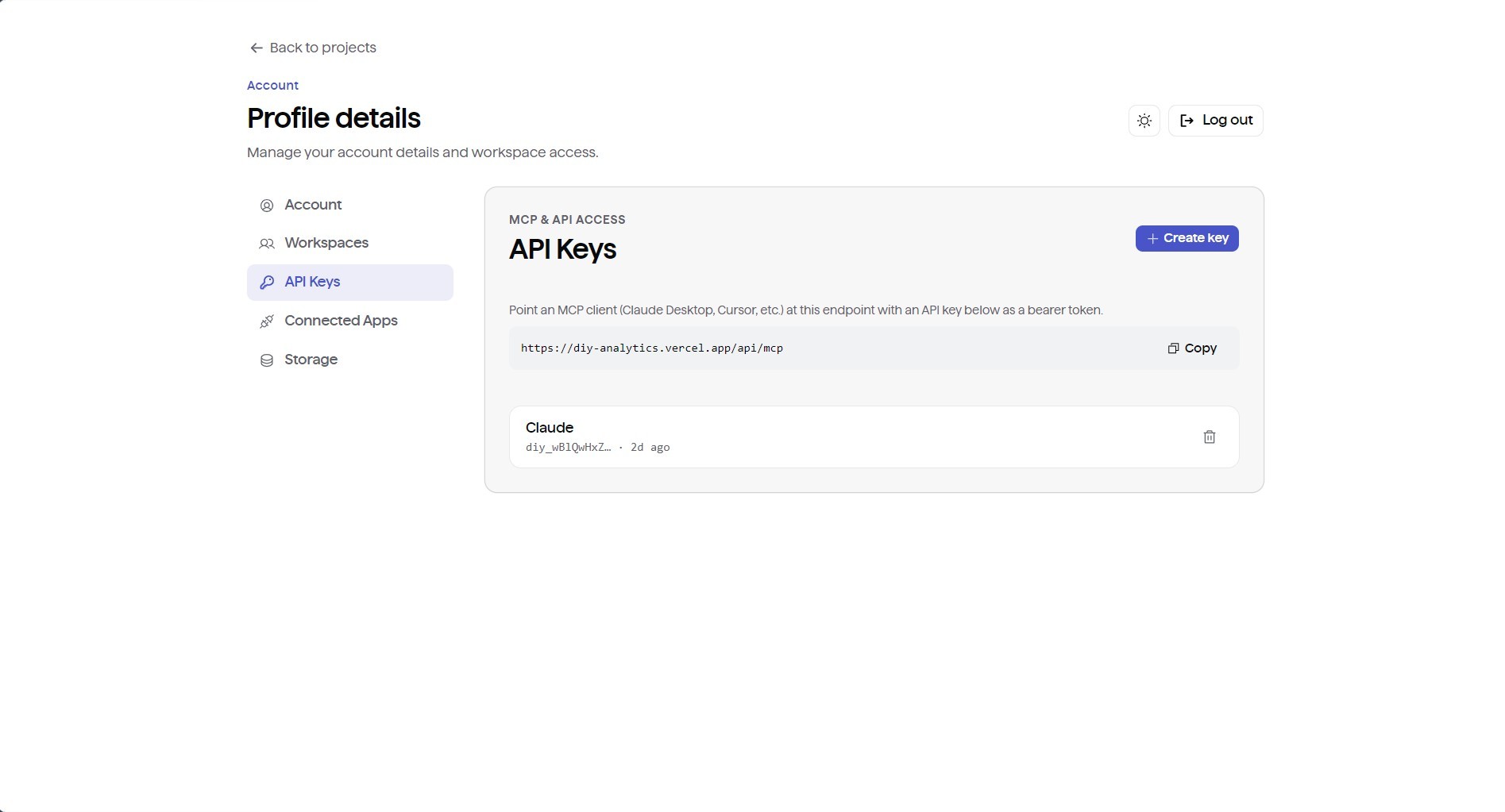
Generate a bearer token
- In your dashboard, go to Profile → API Keys.
- Click Create New Key and give it a label (e.g.
Claude Desktop). - Copy the generated secret key.
Authenticate requests with either:
- HTTP header:
Authorization: Bearer <API_KEY> - Query parameter:
https://your-instance.com/api/mcp?key=<API_KEY>
Client configuration
1. Claude Desktop
Add your instance to claude_desktop_config.json:
- macOS:
~/Library/Application Support/Claude/claude_desktop_config.json - Windows:
%APPDATA%\Claude\claude_desktop_config.json
json
2. Cursor IDE
- Open Settings → Features → MCP.
- Click + Add New MCP Server.
- Set Type to
SSEorHTTP. - Enter the URL:
https://analytics.yourdomain.com/api/mcp?key=YOUR_API_KEY.
3. Zed Editor
In your Zed settings.json:
json
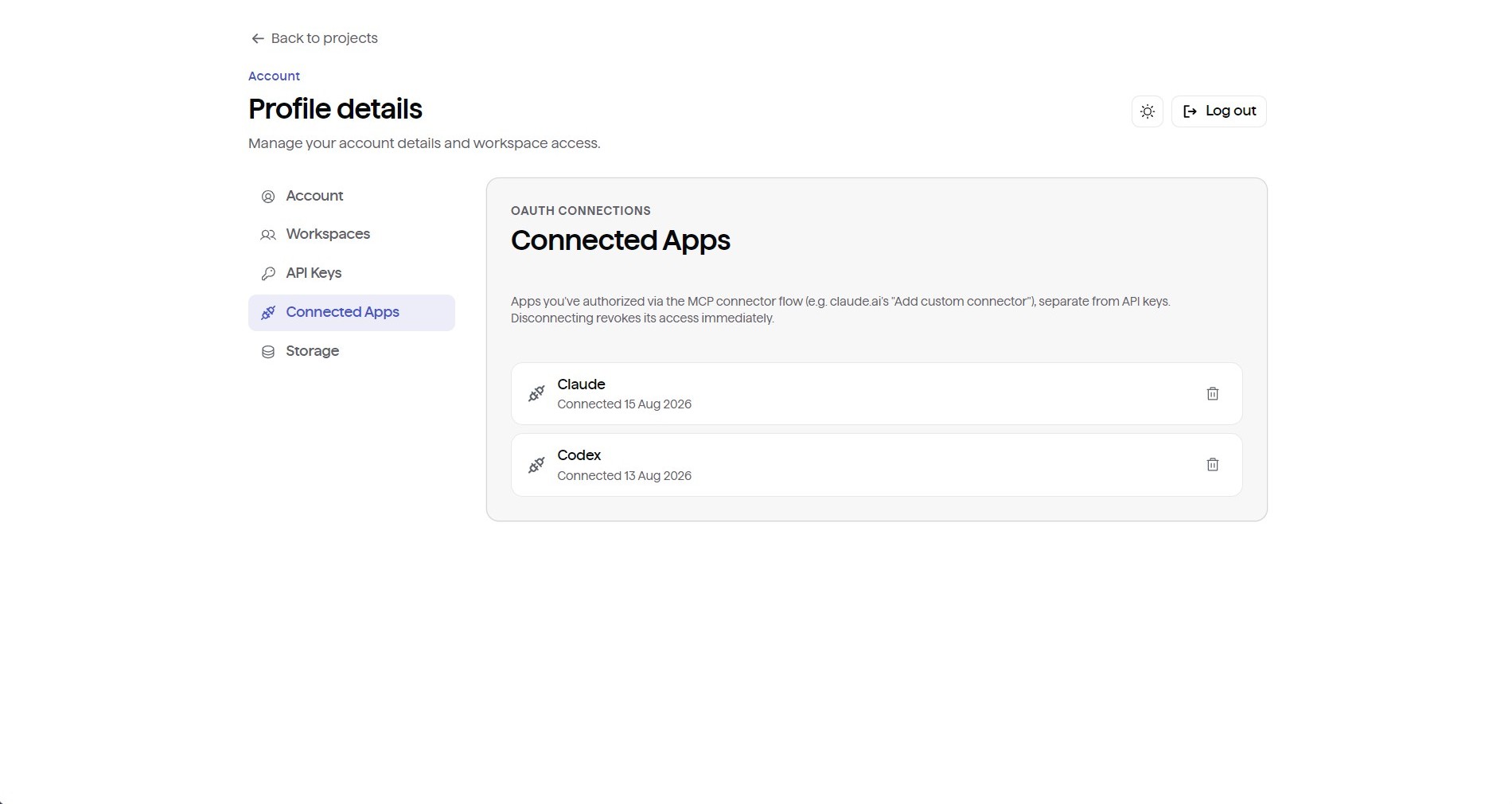
4. claude.ai web connector (OAuth 2.1)
diy-analytics includes a built-in OAuth 2.1 server with dynamic client registration and PKCE (S256):
- Log into claude.ai.
- Go to Settings → Connectors → Add custom connector.
- Enter your endpoint URL:
https://analytics.yourdomain.com/api/mcp. - Click Connect and authorize access through the built-in consent modal.
Tool reference
The server exposes 15 read-only tools:
| Tool Name | Parameters | Description |
|---|---|---|
list_workspaces | None | Lists all workspaces accessible by the authenticated user account |
list_projects | workspaceId | Lists all projects within a specified workspace |
get_project | projectId | Retrieves metadata, configured domain, and settings for a project |
get_analytics | projectId, range, filters | Queries pageviews, sessions, bounce rates, and dimensional breakdowns |
get_realtime | projectId | Returns live active visitor sessions in the last 5 minutes |
list_goals | projectId | Lists all configured conversion goals and completion statistics |
list_funnels | projectId | Lists all defined conversion funnels |
get_funnel_analysis | projectId, funnelId, range | Computes step-by-step conversion and drop-off rates |
list_errors | projectId | Lists distinct error groups with total occurrences and regression flags |
get_error_occurrences | projectId, fingerprint | Returns detailed stack traces, breadcrumb timelines, and crash metrics |
get_retention | projectId, weeks | Computes weekly retention cohort matrices (4, 8, or 12 weeks) |
get_flow | projectId, range | Queries page-to-page user journey transitions for Sankey visualizations |
get_segments | projectId | Returns visitor counts across recency and frequency cohorts |
explore | projectId, conditions, logic | Executes ad-hoc multi-condition session queries |
get_event_properties | projectId, eventName | Returns custom event payload property keys and value distributions |